Introduction
Welcome to the VenueCad documentation. Learn how to create stunning floor plans in minutes.
Why use VenueCad?
Unlike traditional CAD software, VenueCad is built specifically for events. We prioritize speed and visual fidelity.
- Instant 3D: Draw in 2D, view in 3D instantly.
- Smart Texturing: We use a "Shadow Masking" technique to blend real photography with clean textures.
- Hybrid Loading: Optimizes assets for fast web performance.
Getting Started
If you are new here, we recommend following our setup guide:
A Note on Performance
We use a specific Hybrid Loading Strategy to ensure your venues load quickly on any device.
Note: If you are experiencing slow load times, check your texture settings in the Preferences menu.
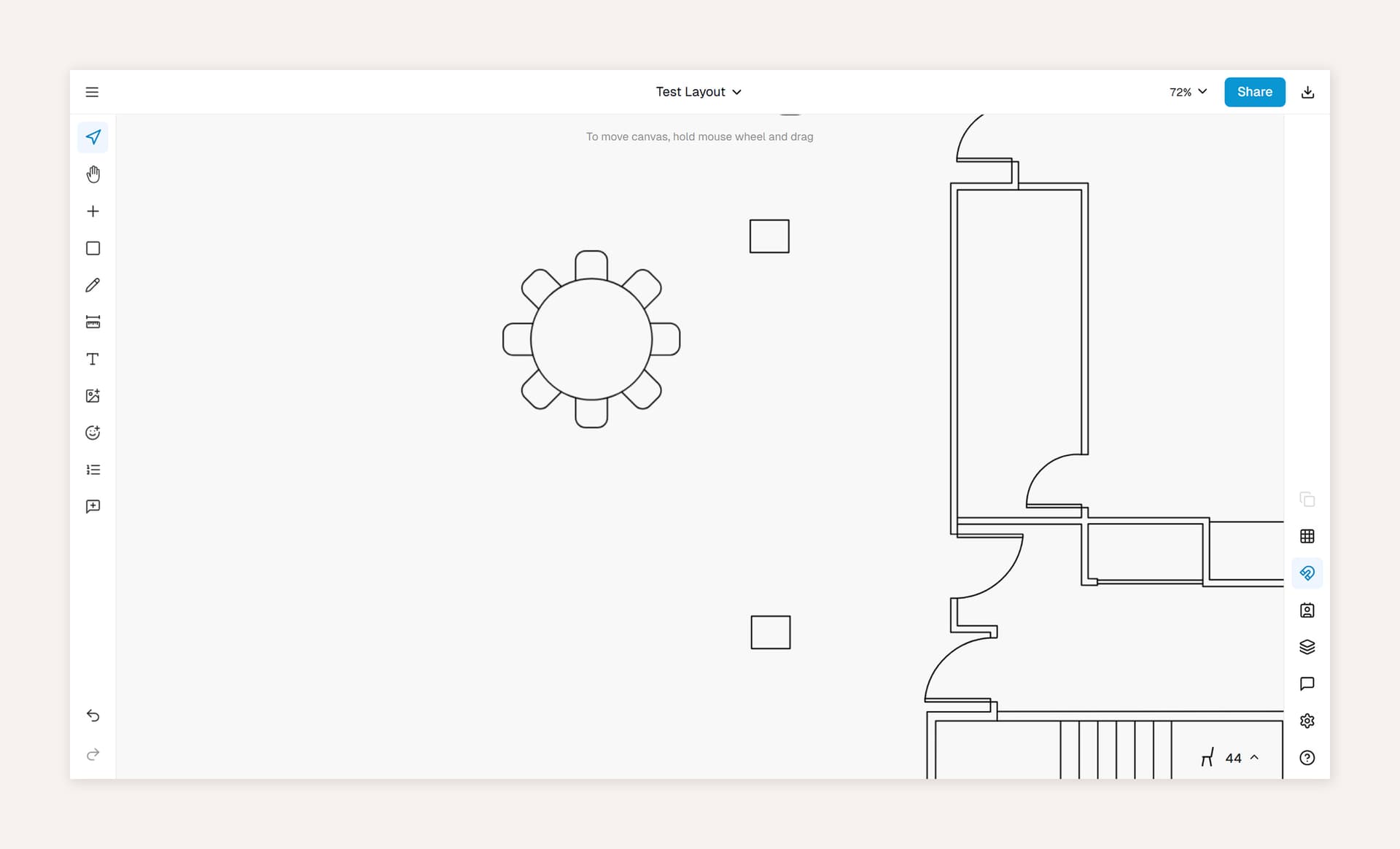
Example 1 Fullscreen background
Here is an example using the beige coloured background fullscreen image at 90% scale
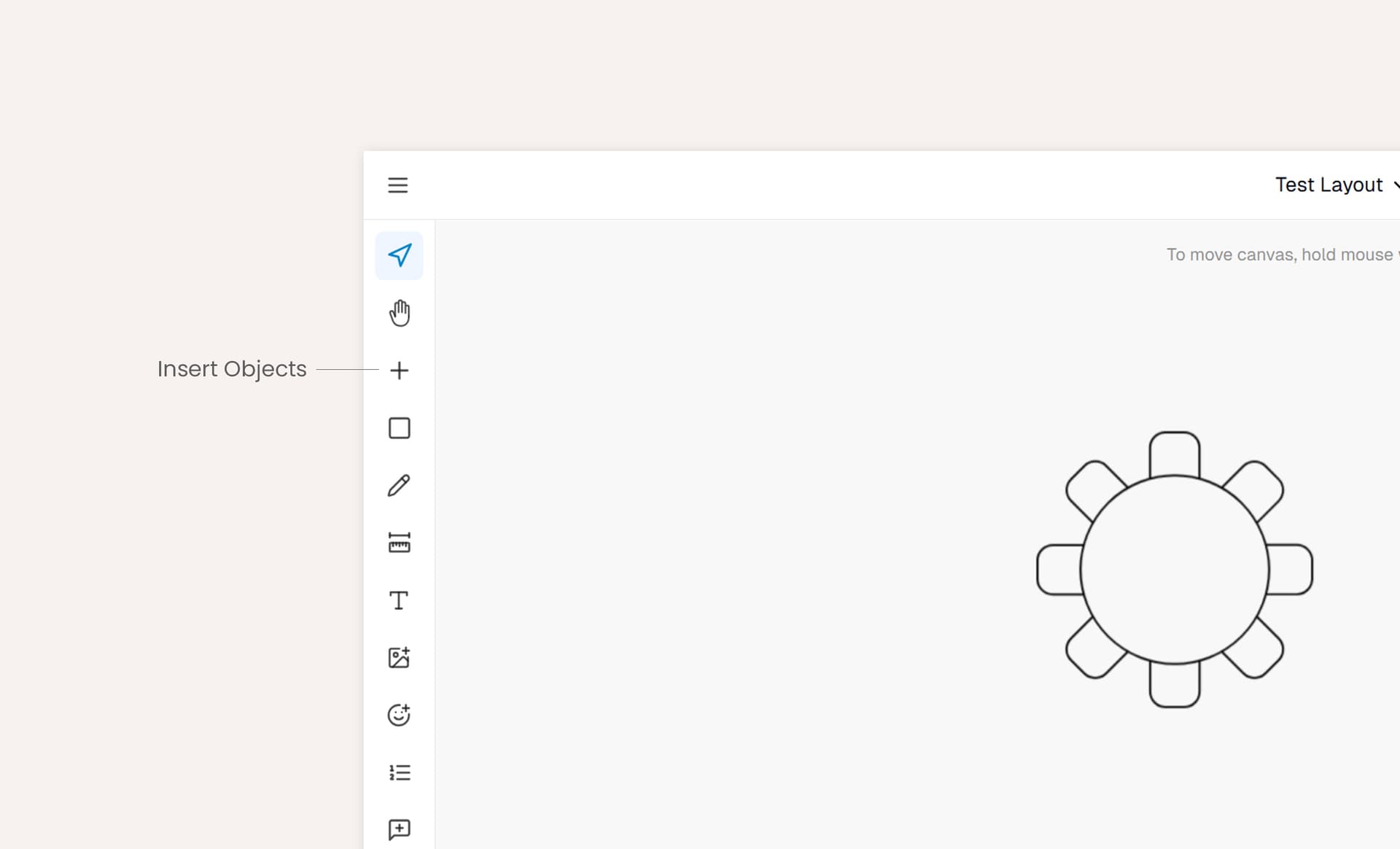
Example 2 Fullscreen background zoomed in
Here is an example using the beige coloured background fullscreen image at 140% scale
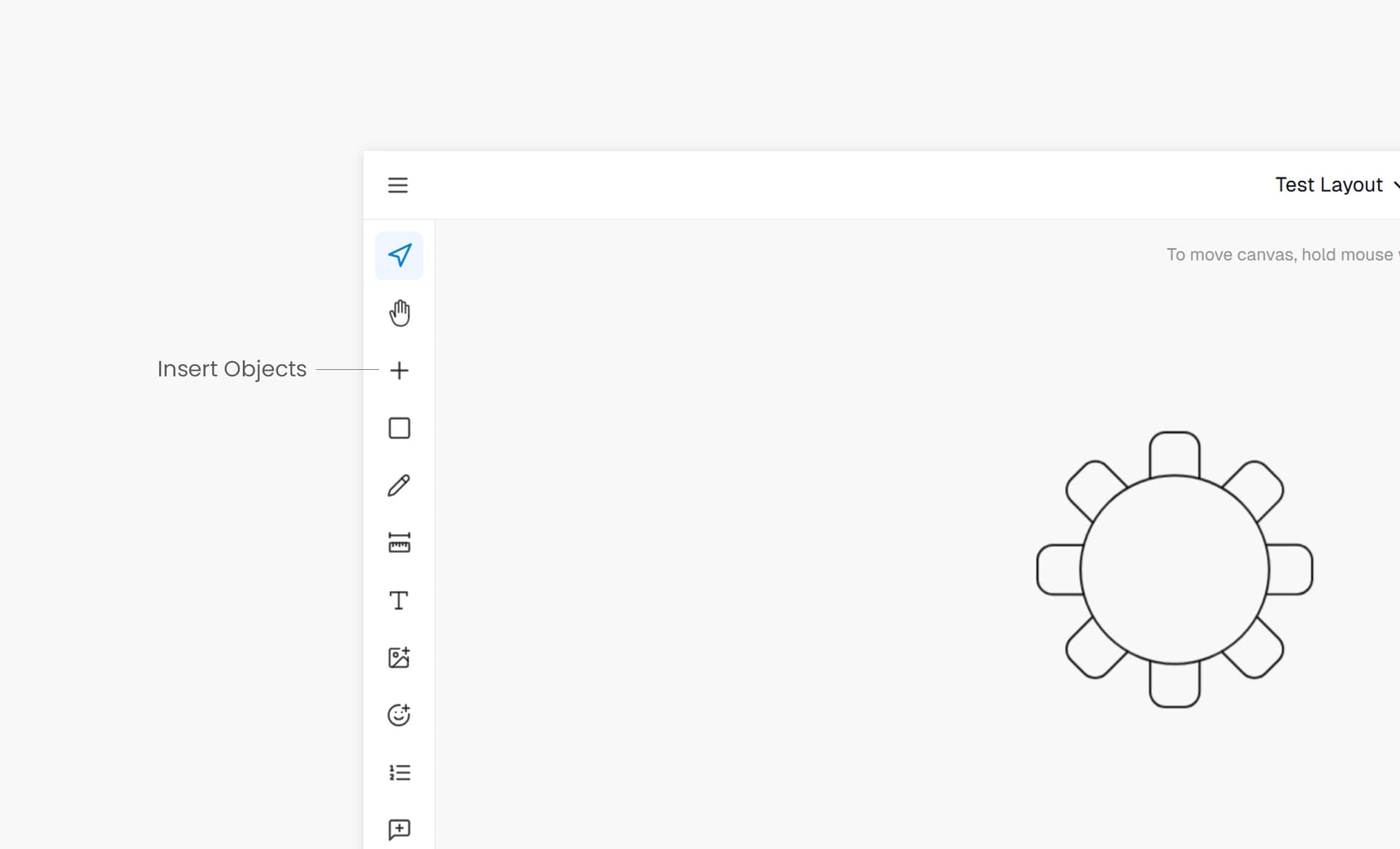
Example 2.5 Fullscreen background grey zoomed in
Here is an example using the grey coloured background fullscreen image at 140% scale
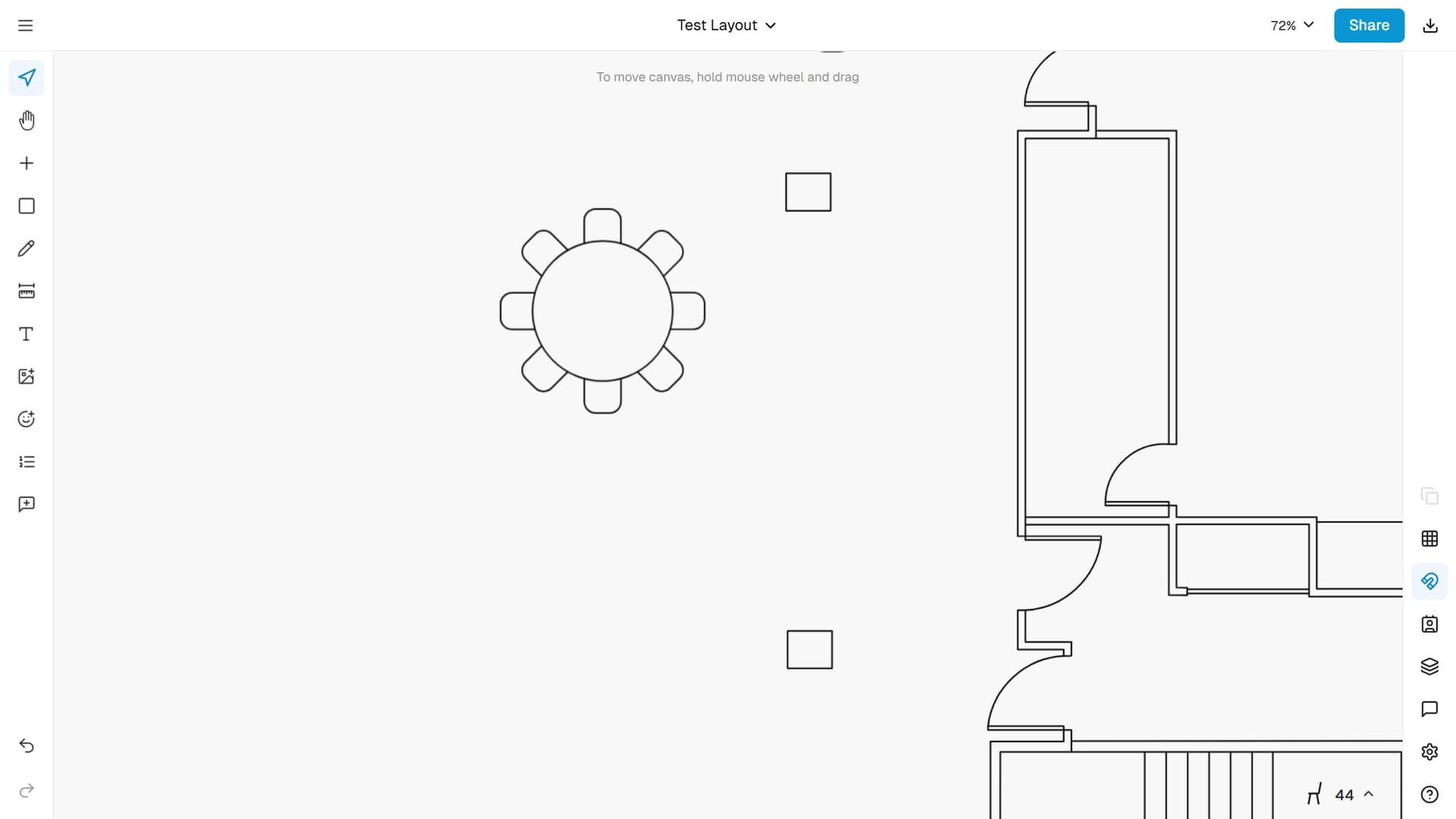
Example 3 Fullscreen no background
Here is an example with no background.
Example Animated clip
GIF type clip looped. Hosted in Mux.